
Reliable
Protocols
The most reliable next-generation VPN protocol. Designed for stable and secure operation.


We do not store logs or track user activity.
The Service may not be used for any activities that violate the laws of the user's country or any other applicable jurisdiction.
© 2026 Privata Solutions L.L.C.. All rights reserved.
The most reliable next-generation VPN protocol. Designed for stable and secure operation.
You only pay for the number of devices you actually use. You can increase or decrease the number of connections at any time without overpaying for extras.
Plans
Try the speed, stability and features of the service before subscribing.

High speed, stability and reliable data protection.
Use the VPN as much as you need: traffic is not capped, and the number of devices depends on your plan.

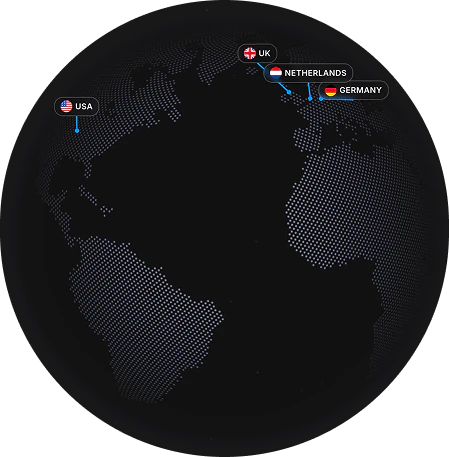
The list is regularly updated
Choose a plan that suits you best
Install the official Privata VPN app, sign in.
Your connection will immediately become secure
How do you want to pay?
Plans
Autopay
Subscriptions can renew automatically: while auto-renewal is on, the price of the selected plan is charged at the end of each paid period. You can turn it off at any time in your account under My Subscription, without contacting support. Details are in the Terms of Use.
Privata VPN is a reliable VPN service that provides secure and private internet connection. We use modern encryption protocols to protect your data.
To get started, simply choose a suitable plan, pay for the subscription, and follow the setup instructions. The whole process will take no more than 5 minutes.
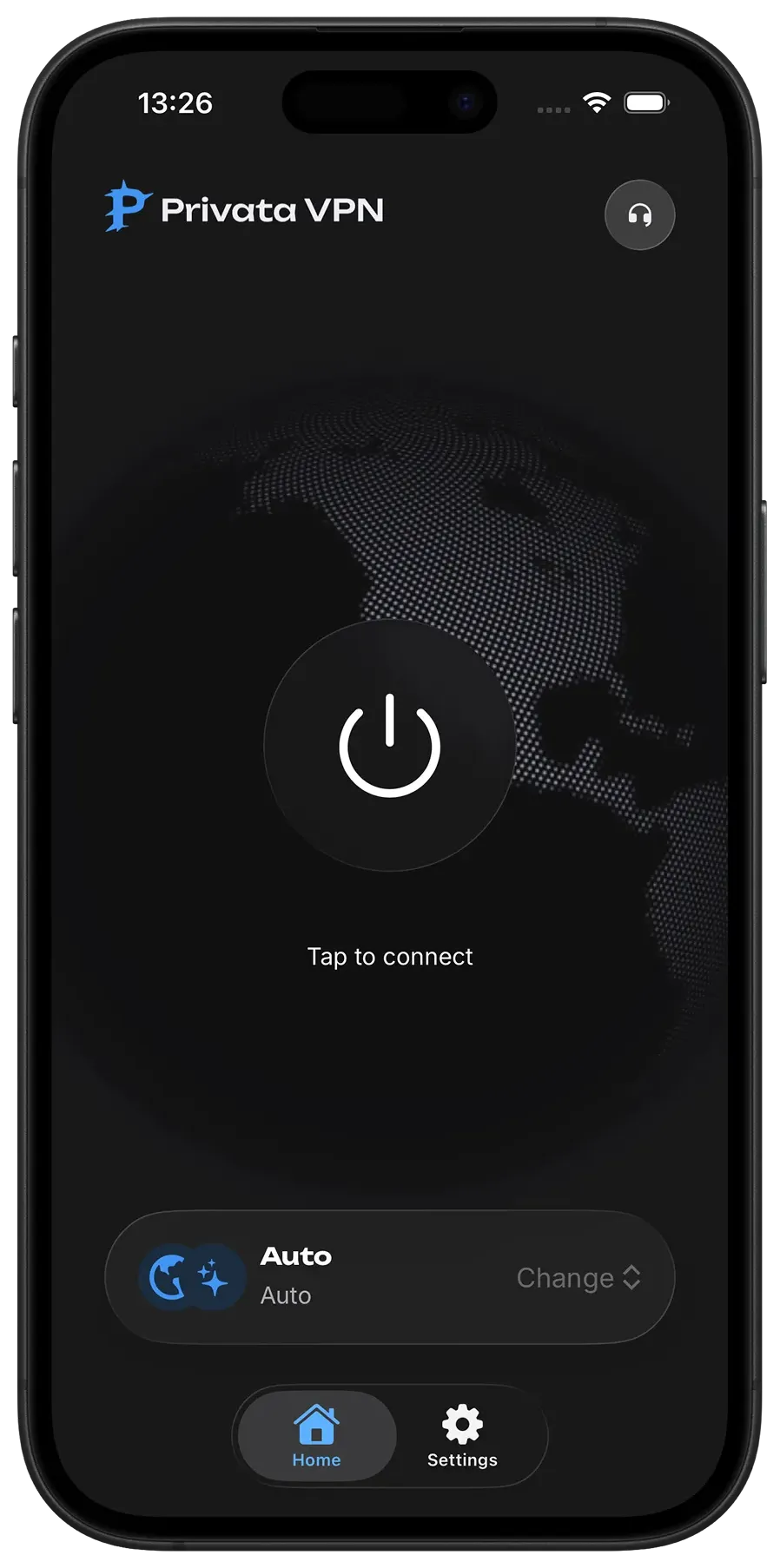
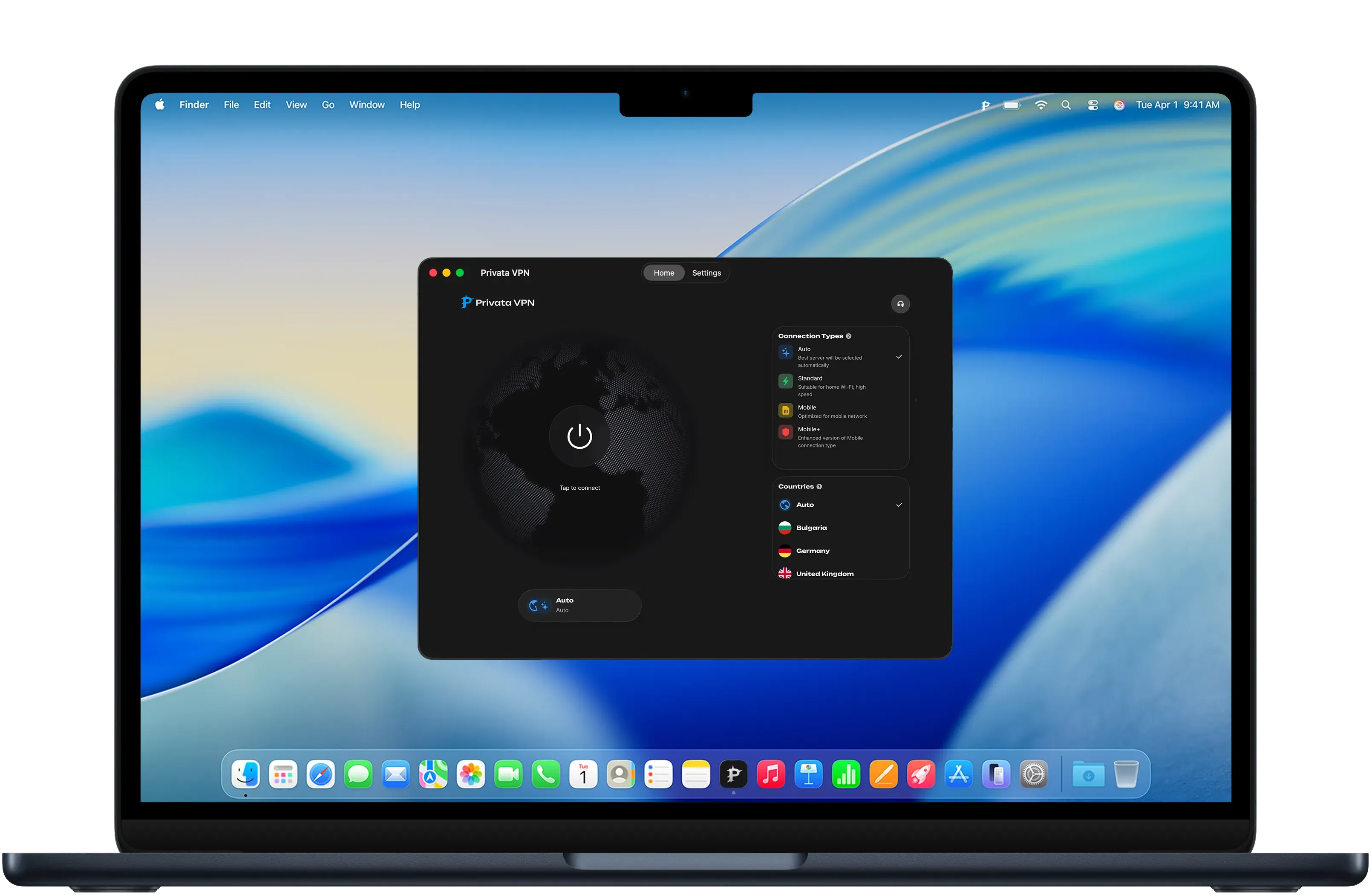
Our VPN works on all popular platforms: iOS, Android, Windows, macOS, and Linux. You can use one account on multiple devices simultaneously.
Yes, we use military-grade AES-256 encryption to protect your data. We do not log your activity and do not store information about visited sites.
Open your account, go to My Subscription and tap “Cancel auto-renewal”. There is no need to contact support. Access stays until the end of the paid period, and no further charges are made.
Yes. If the service does not work properly, contact support: we will review your request and reimburse the payment if the problem is confirmed. Duplicate or erroneous charges, and charges made after auto-renewal was turned off, are reimbursed in full. The detailed rules are in the Terms of Use.